
4.2 Add New Support
Add New Support Wizard
Depending on permissions, users can add new training courses to the application by clicking Suports in the navigation, then selecting Add New from the menu.
Users will then be re-directed to the Add New Support form.
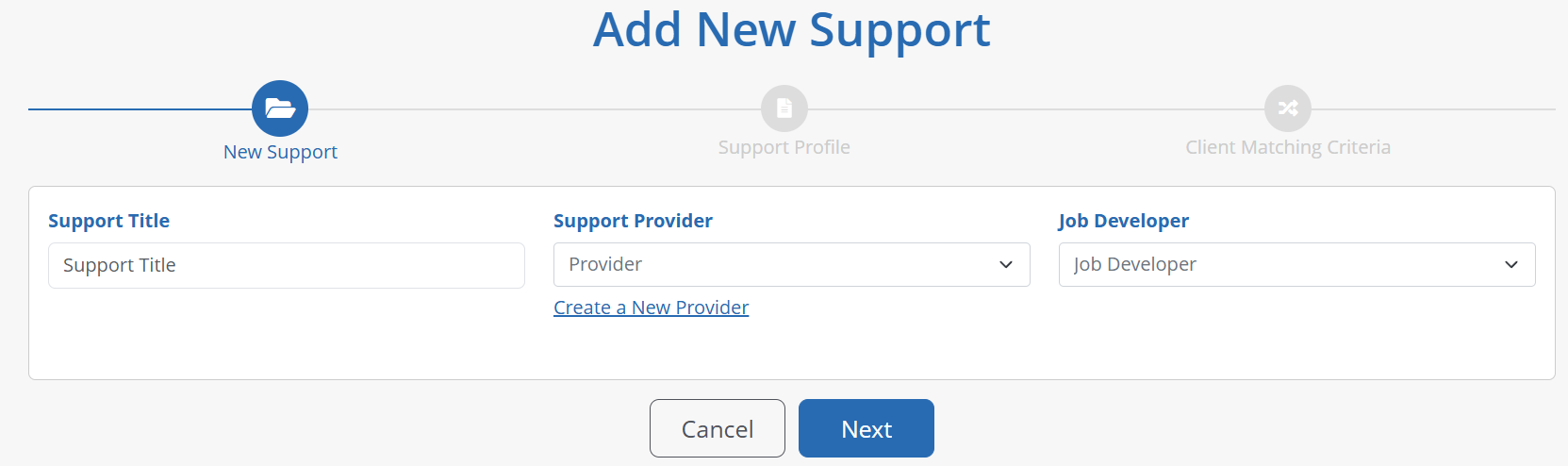
New Training Details
Staff will be first required to input a title for the support, choose a support provider based off providers created in the tool, and choose a job developer.

Note: Administrators can setup Support Providers through the Providers listings page
Support Profile
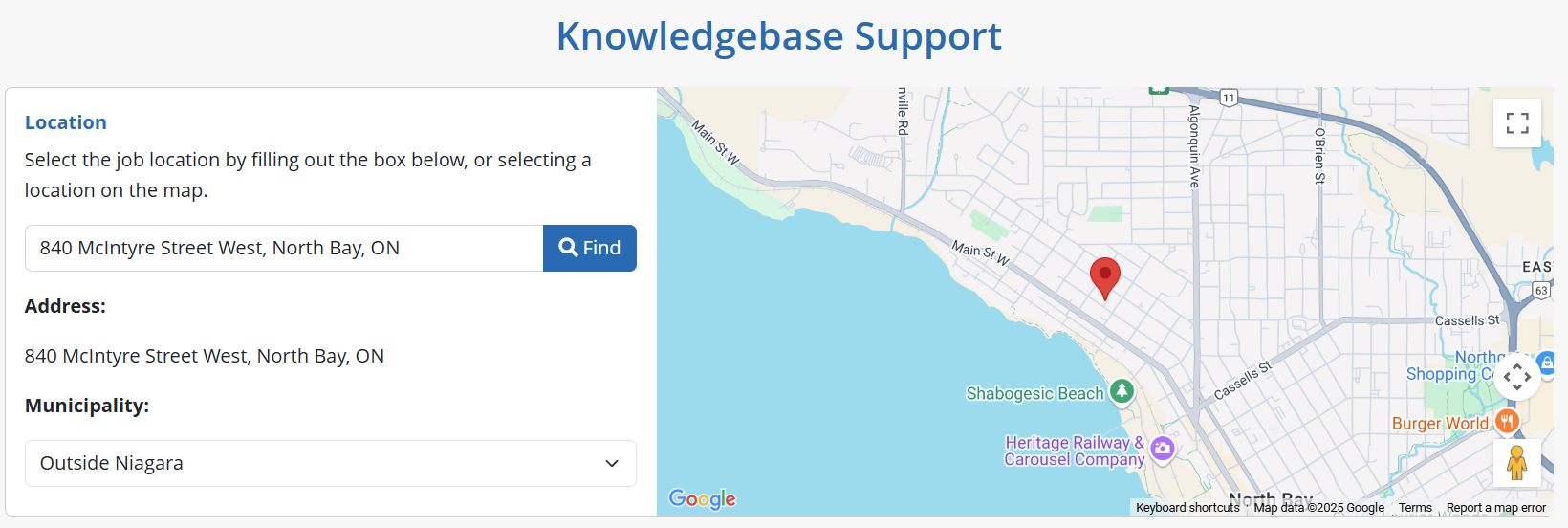
Next, staff will be required to create the support profile. First is the Location field. Powered by Google, users can search a full or partial address, city or town, and the system will suggest possible locations. Once selected, the Google Map will update to the reflect the location selected.
The Municipality field will automatically update based on the address selected, however, users can manually override this suggestion and select from a list of options available.
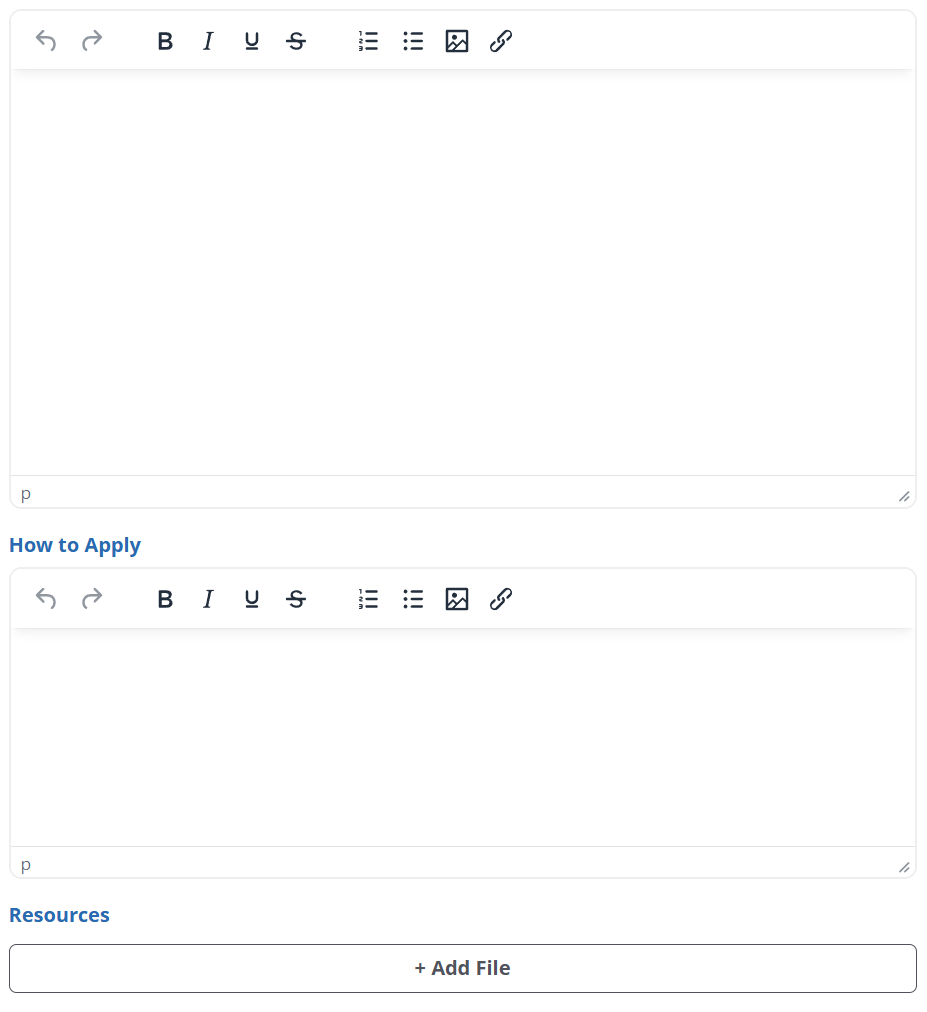
Users can then complete a description of the support, indicate how to apply, should there be specific requirements to enter the support program, and add any relevant resources, such as manuals, brochures, etc.
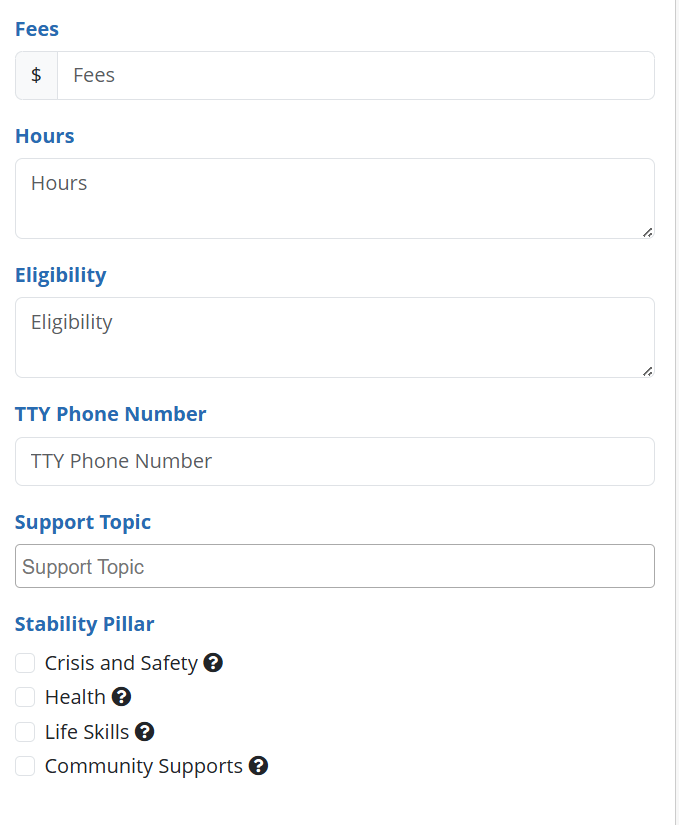
Next, staff can also add fees, if there is one associated to the program, and add hours of operation. They can also enter any eligibility requirements, TTY phone number, and the applicable Support Topic and Stability Pillar that helps match clients to this program.
Client Matching Criteria
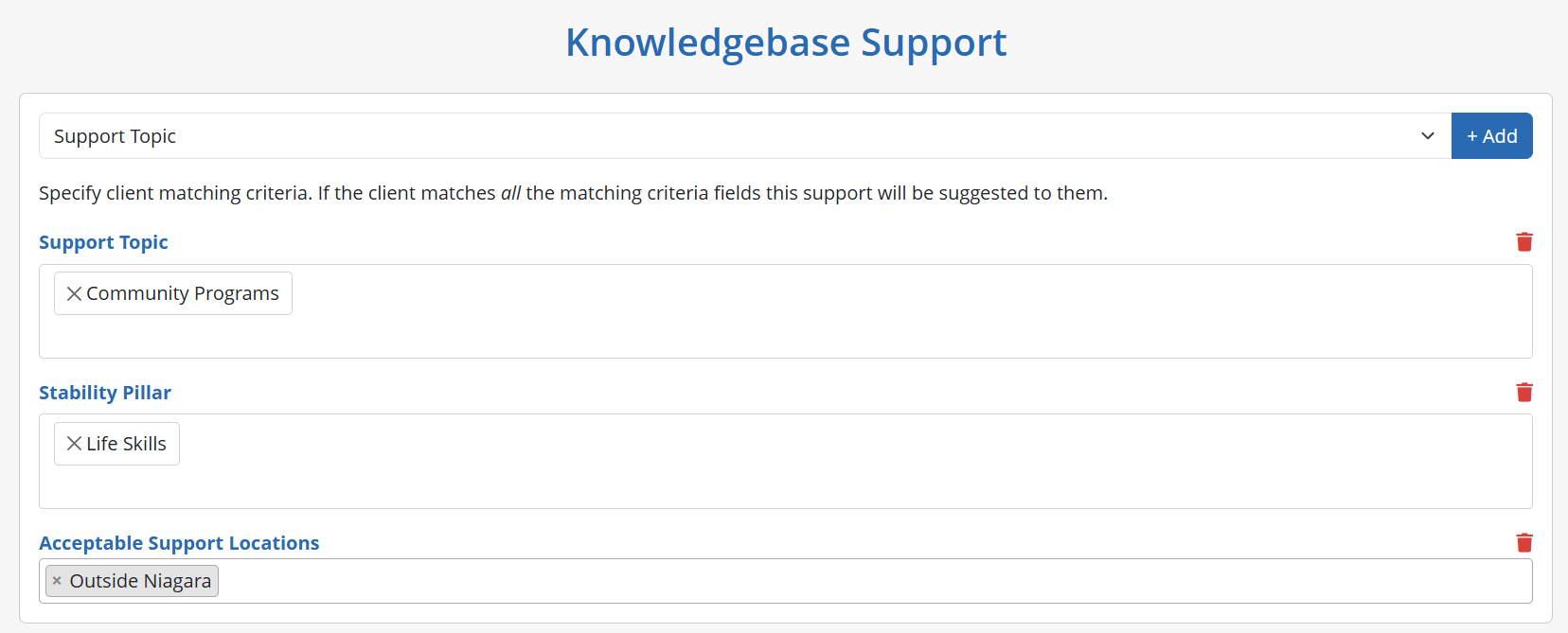
Once details of a support program are populated, users can click the Next button to add Matching Criteria specific to this program, which is based on fields found throughout the client case profile.
Additionally, the system’s matching engine also takes the following into account when matching clients to training courses;
A support must be active to match to a client
Clients will not be matched if they have already been referred to the support
Clients will not be matched if they have a current status for the same support
Once all matching criteria is set, users can click Finish to create the support.