10.4 Deleting a File
10.4.1 Delete a File from the File Manager Listings
To delete one or multiple files, staff can go to the listings page and click the checkbox beside the file title. A red Delete button will appear on the top right-hand side of the page. After clicking it, staff will be required to confirm the deletion.

Note: All files that are deleted will be permanently removed from the tool and cannot be recovered.

10.4.2 Delete a File from the File Profile
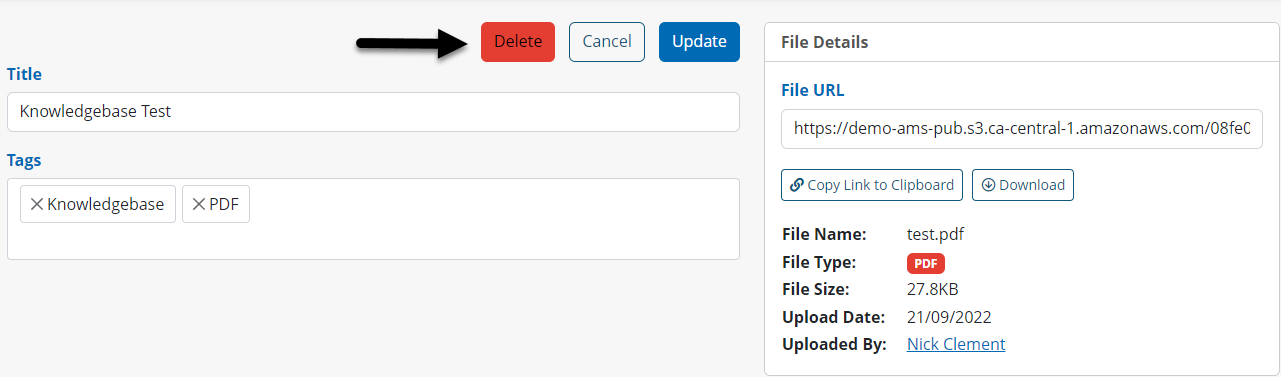
Another way staff can delete a file is to go into a specific file profile and click Edit. A red Delete button will appear.