
10.3 File Profile
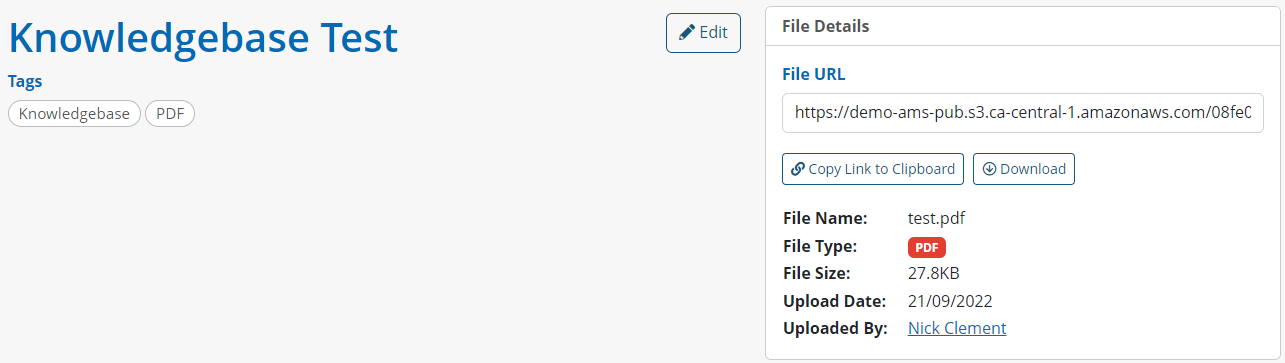
Once a file has been successfully uploaded, staff can view its profile by clicking the title on the listings page.
Once in they can see the name of the file, any tags, and the URL to the file. They also have the ability to copy the file URL or download it, and can see general file information, including the file type – which is automatically populated based on what type of file was uploaded.
If staff wish to change the file’s title or add/remove any tags, they can click Edit. Once complete they can click Update.