
2.3 Add Client
Tutorial Video: How to add a client
Add Client
Depending on permissions, users may be able to add new clients to the application by:
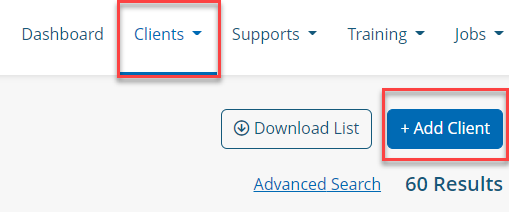
Clicking the +ADD CLIENT button on the Client List page
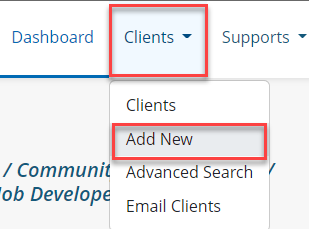
Clicking Clients in the navigation, and selecting Add New from the menu
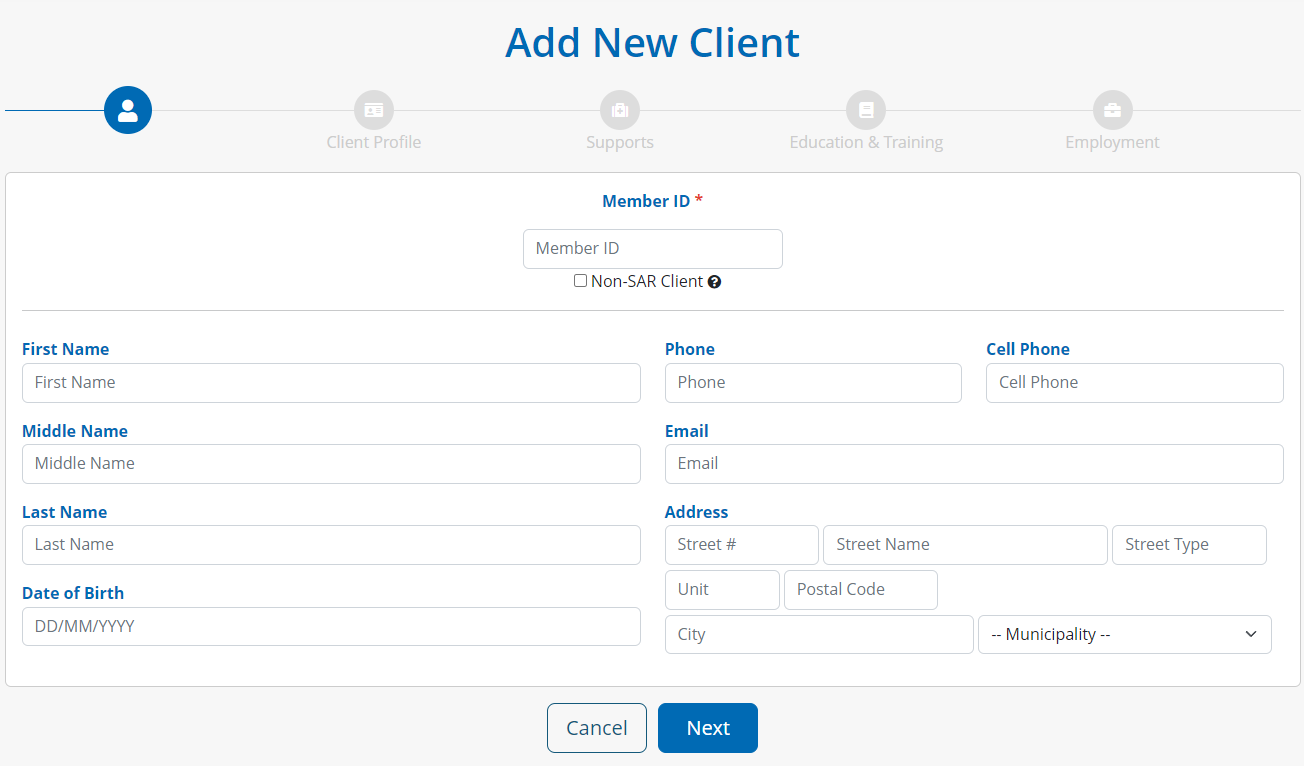
Add New Client Wizard
The system will walk users through a wizard to populate case details, contact information, and fields related to the client (i.e. Profile, Education & Training, Employment).
When completed, click FINISH and the system will bring the user to the case profile of the client created.