1.2 Dashboard Widgets
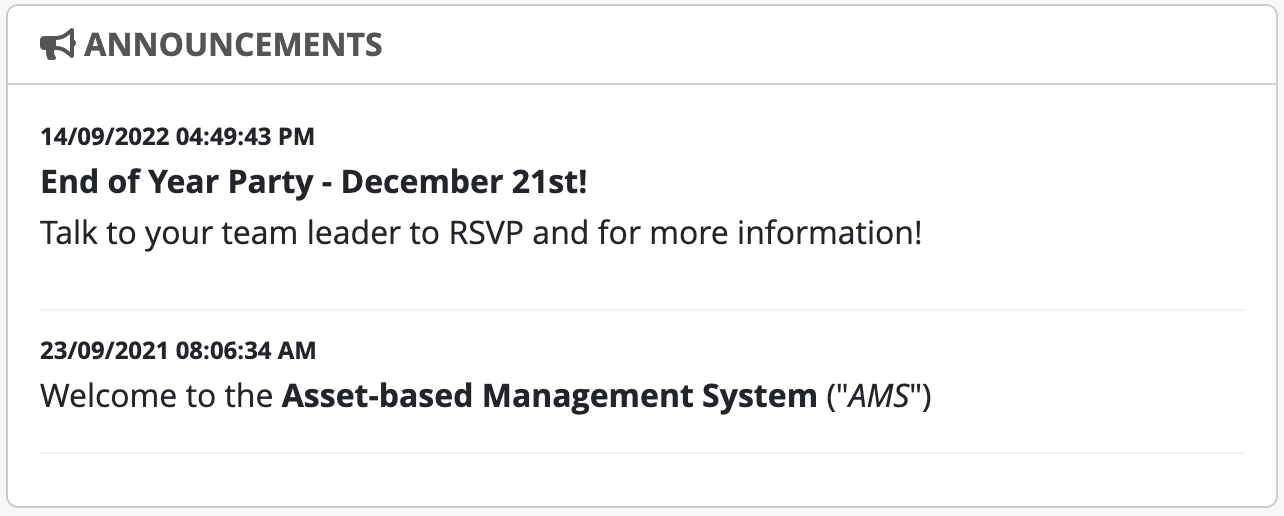
Announcements
Displays information for users. Administrators can create and manage announcements in Admin Tools.
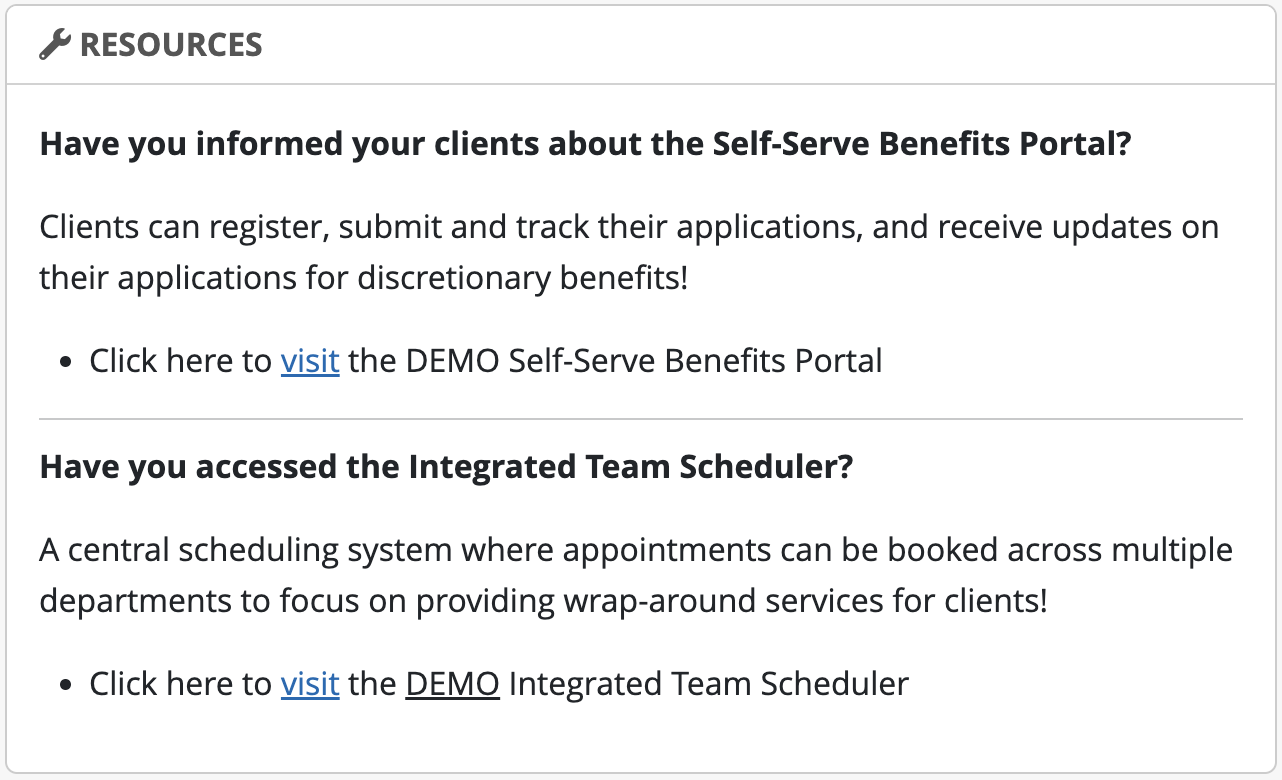
Resources
Displays information for specific user groups. Administrators can create and manage resources in Admin Tools.
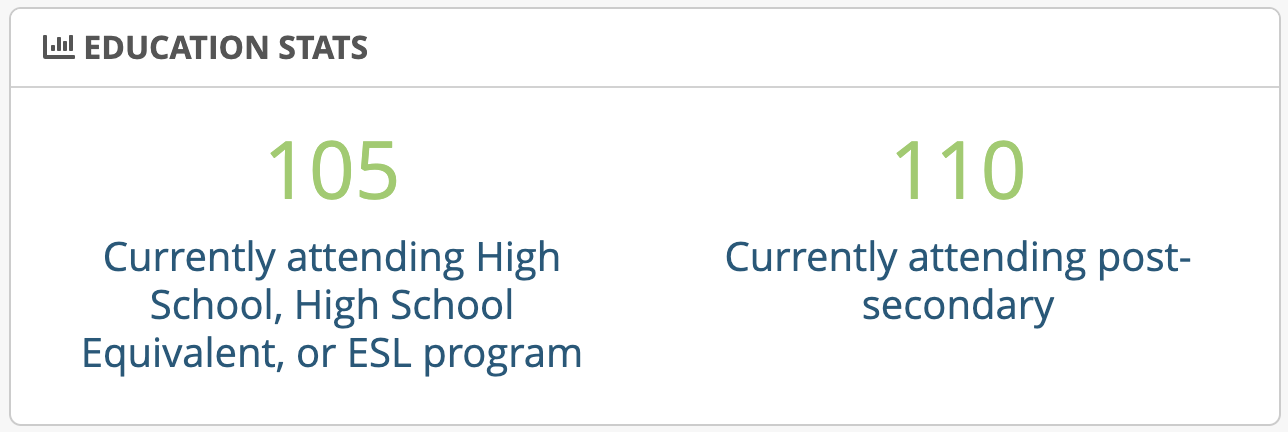
Education Stats
Displays a breakdown of education metrics for active clients in the entire caseload.
Assessments
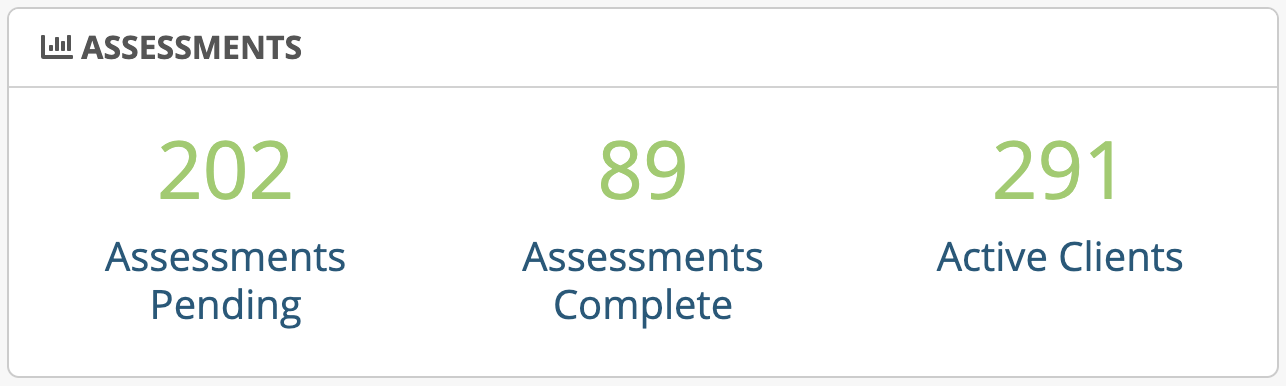
Displays the number of pending assessments, complete assessments and active clients.
Leadership staff will see the totals for the entire system, while Casemangers will see totals related to their caseload only.
These stats also link to the client list page, which shows the caseload with these appropriate filters set.
Personal Supports
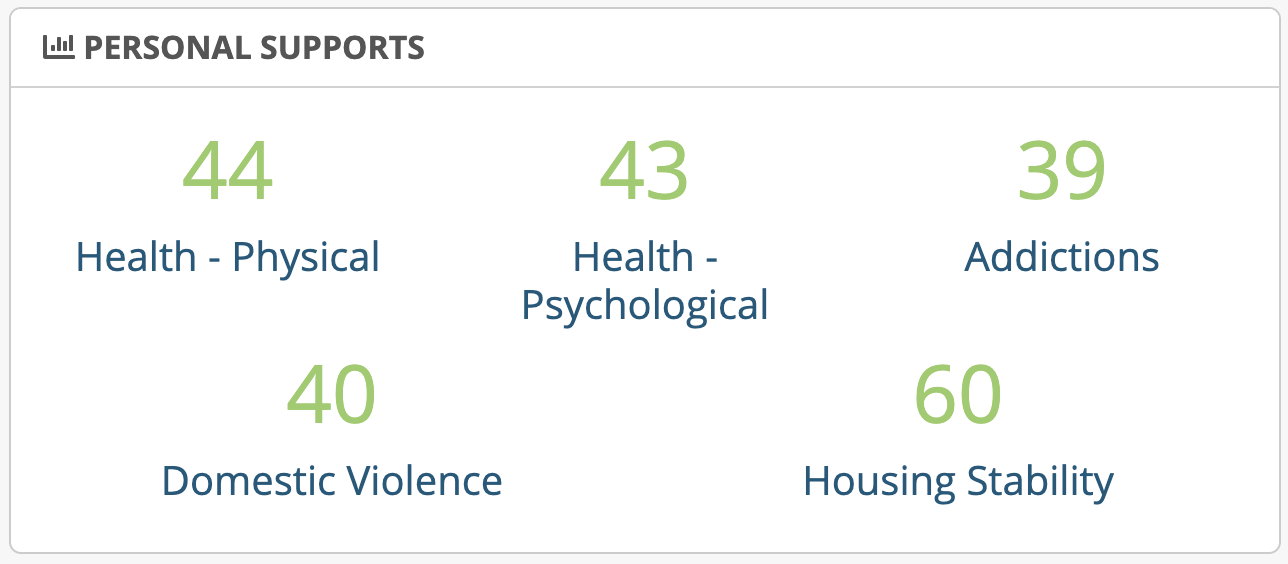
Displays the number of cases that responded YES in the Personal Supports domain of the assessment.
Users can click these links, which will bring them to the Client Advanced Search that shows the caseload with the appropriate filters set.
Active Training
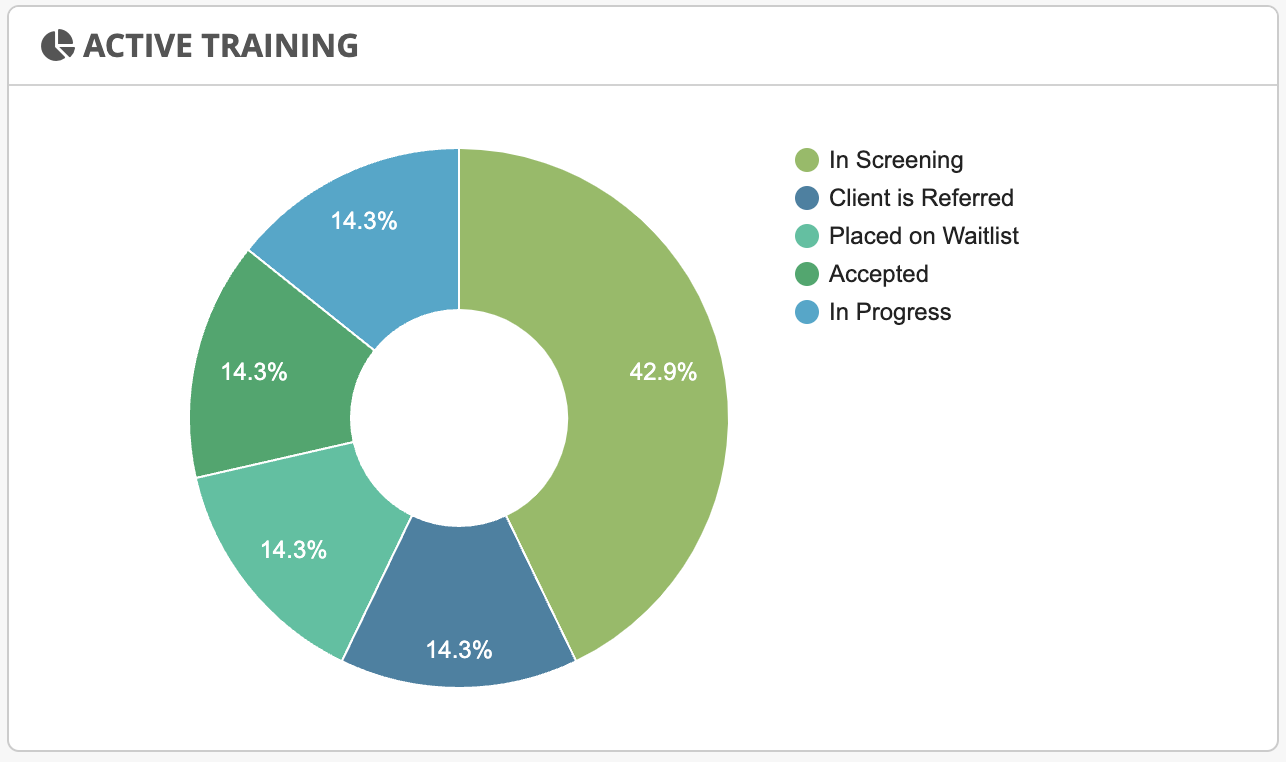
Shows a pie-chart with the percentage of clients in the caseload with a specific course status: In Screening, Client is Referred, Placed on Waitlist, Accepted, In Progress.
Training Status Updates
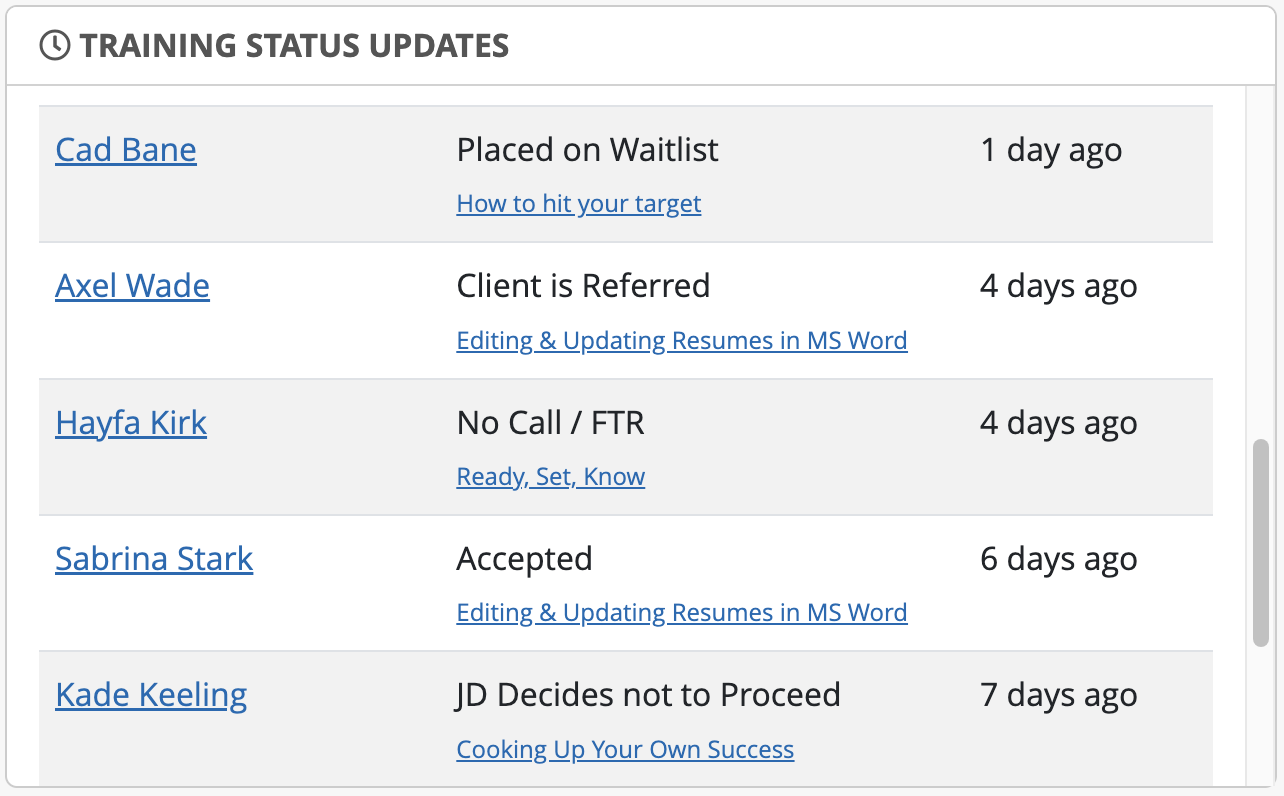
Shows training status activity for clients in the system, with links directly to either the case profile or training course profile.
Leadership will see status updates for all clients within the tool, while Casemanagers will only see updates for their caseload.
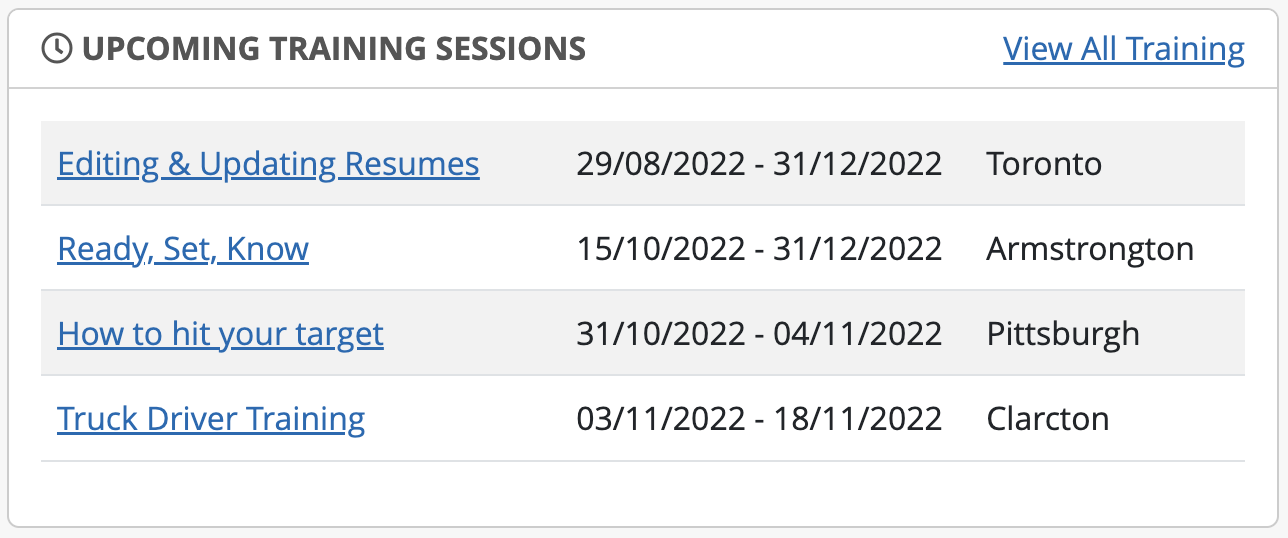
Upcoming Training Sessions
Lists newly added sessions to training courses with a link directly to each course.
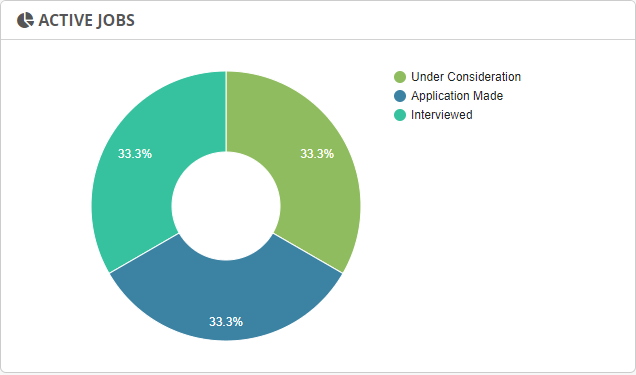
Active Jobs
Shows a pie-chart and percentage of clients in the caseload with a specific job status: Under Consideration, Application Made, and Interviewed.
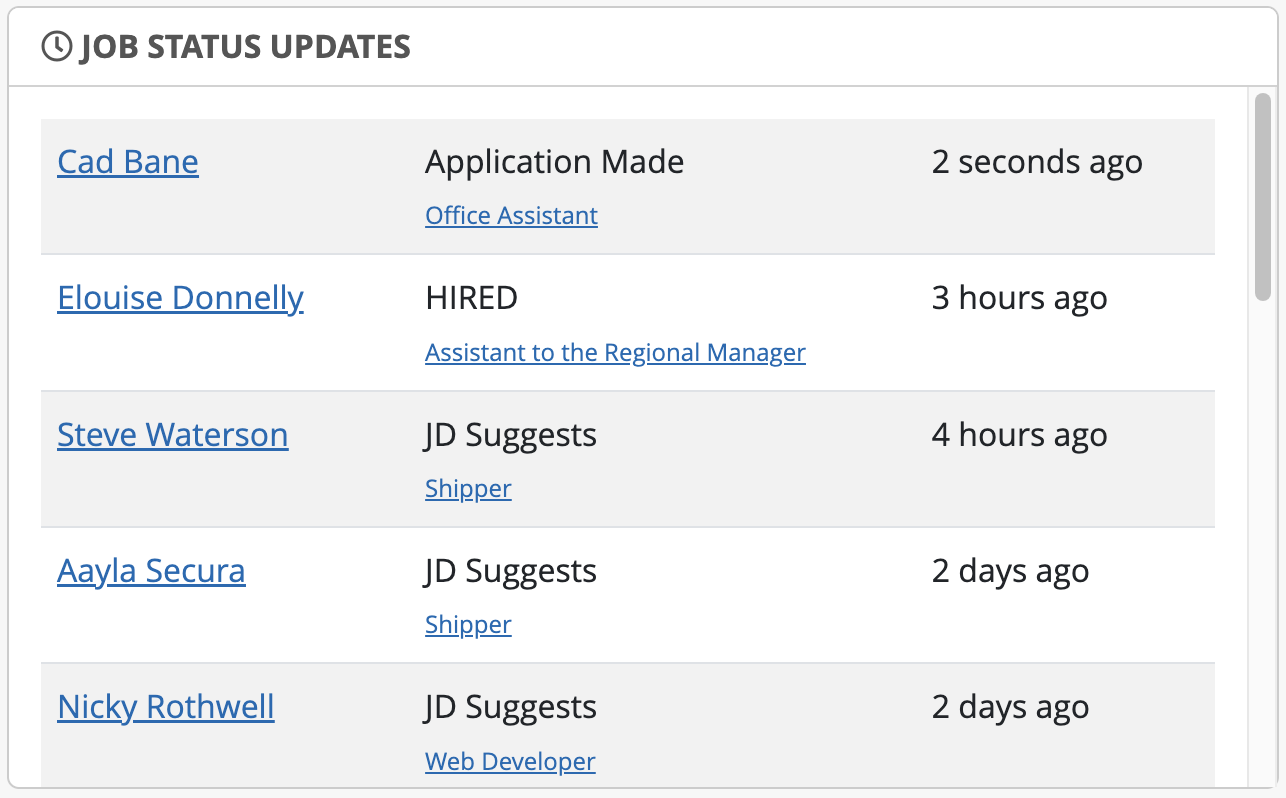
Job Status Updates
Shows job status activity for clients in the system, with links directly to either the case profile or job profile.
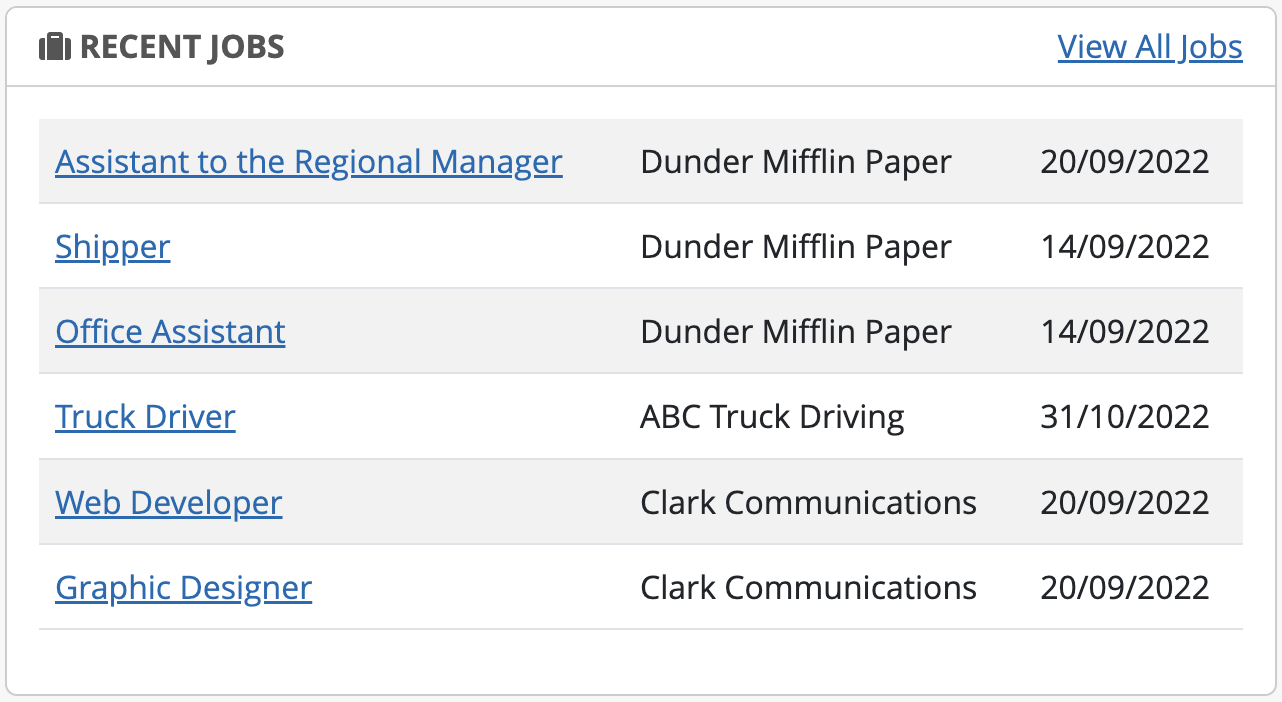
Recent Jobs
Lists newly added jobs with links directly to job profile.
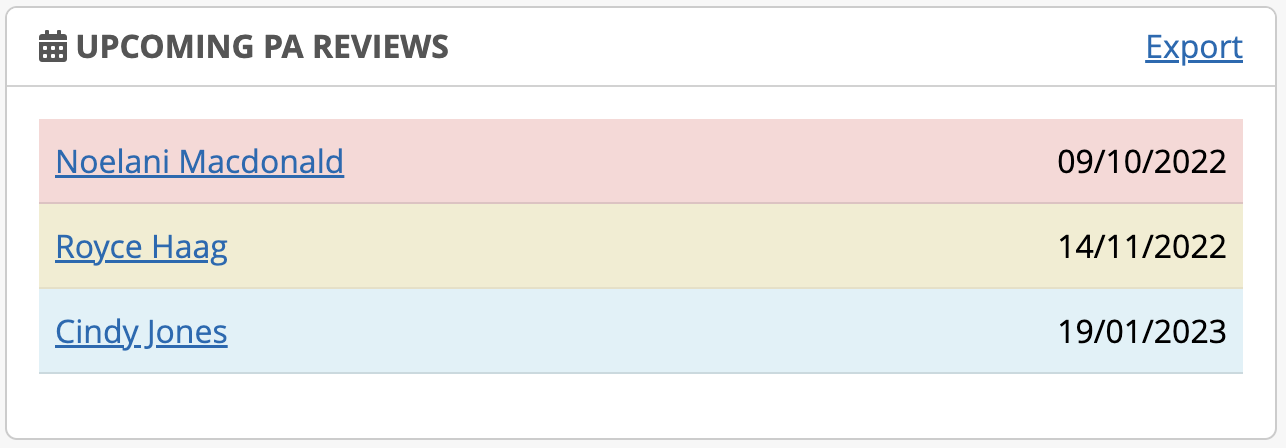
Upcoming PA Reviews
Displays clients with an upcoming PA Review, as indicated in the clients Employment Plan tab. Leadership will see a list of all client PA reviews, while casemangers will only see PA reviews related to their client list.
Clients are listed in chronological order, based on date, with indicators to show PA Review priority;
Red = due today or overdue
Yellow = due in next 30 days
Blue = due in next 90 days
No colour = due in next 120 days
New Clients Added
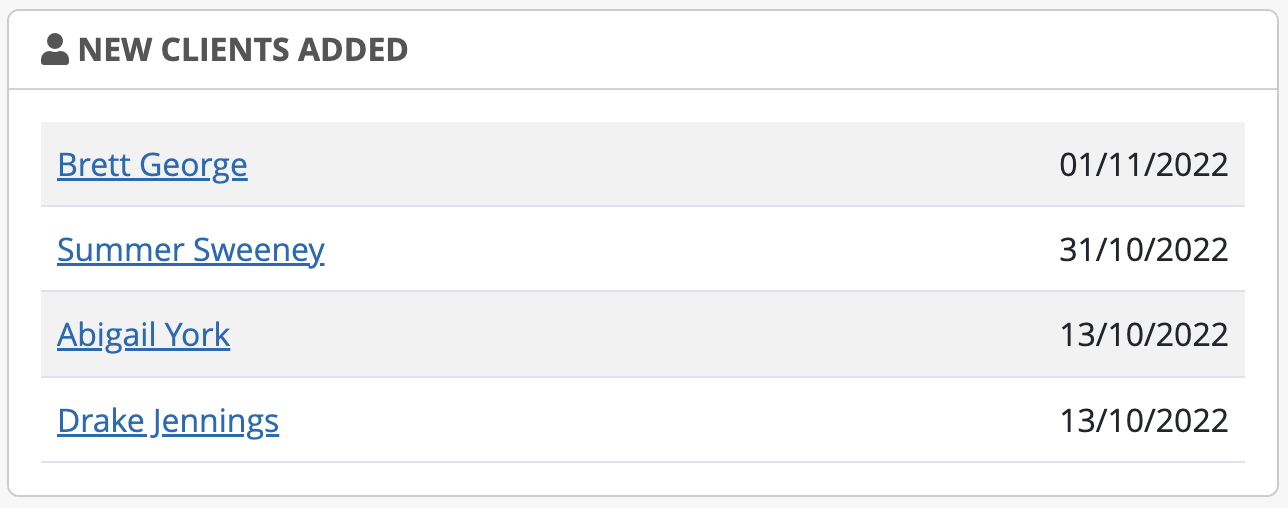
Displays a list of new clients that have been added into the system by client name and date added.
For directors, managers, and supervisors this list will include all clients including those that have and have not been assigned to a casemanager.
For casemanagers, this list will include only clients that have been assigned to their caseload.
My Jobs
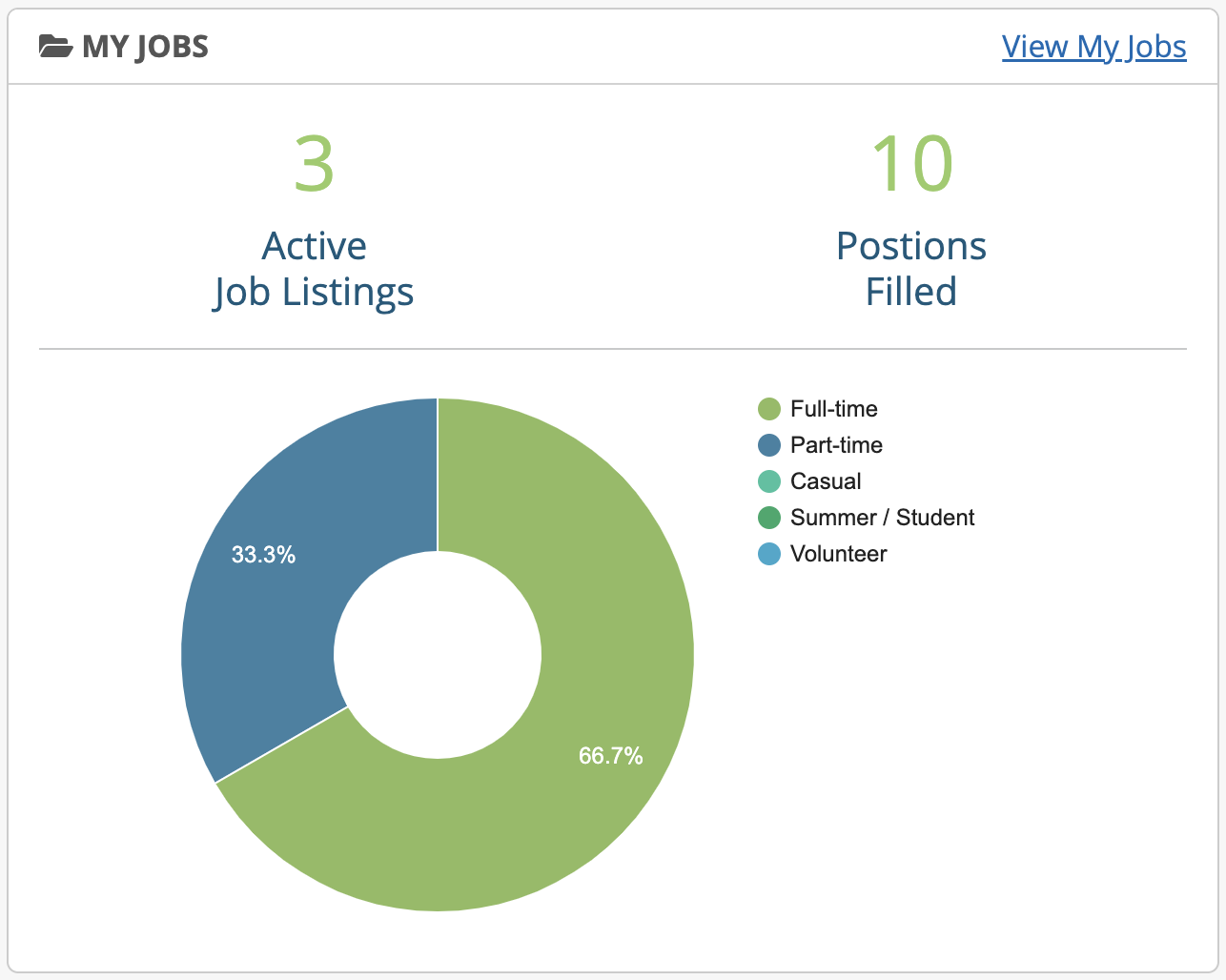
Displays the number of active jobs and total positions filled for jobs the staff user is responsible for managing. It also shows a chart with the percentage of job types for the active jobs.
My Training
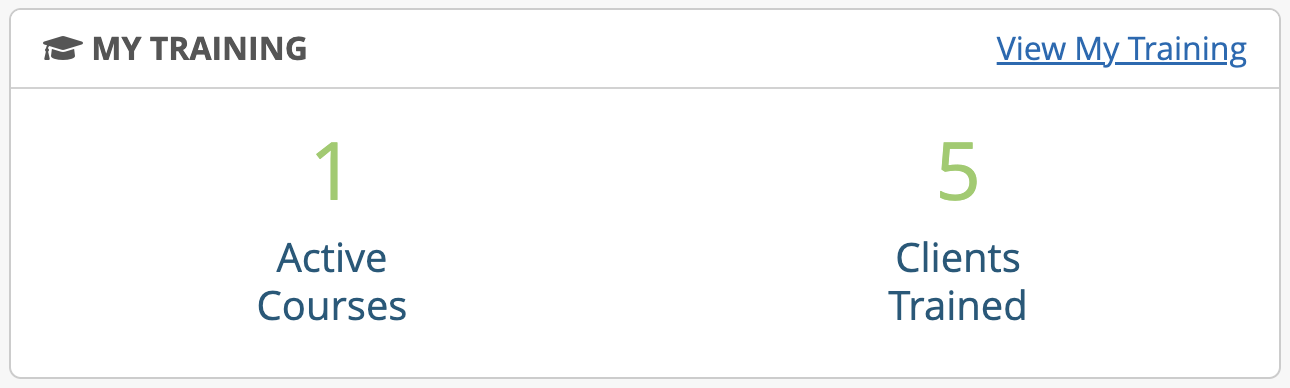
Displays the number of active courses and total clients trained for courses user is responsible for managing.
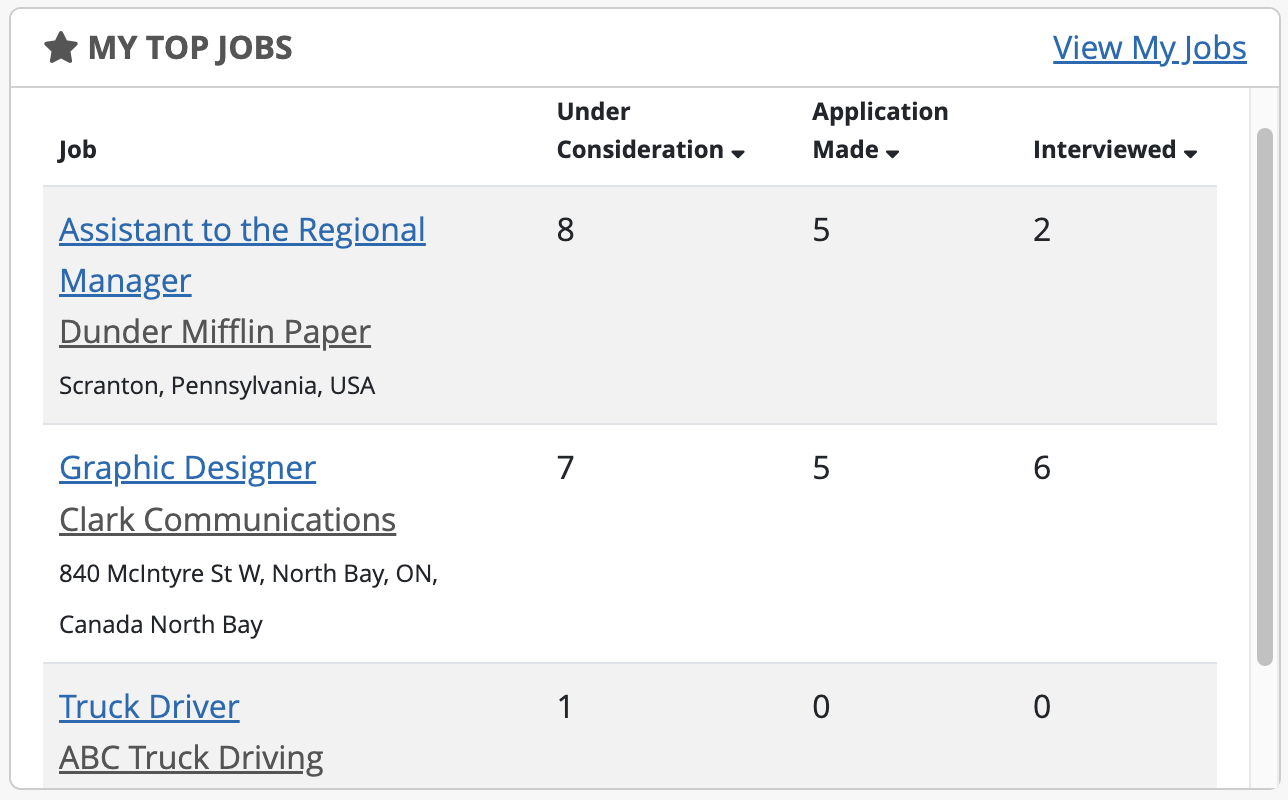
My Top Jobs
Shows a chart with active jobs user manages and number of clients in the system with a specific job status.
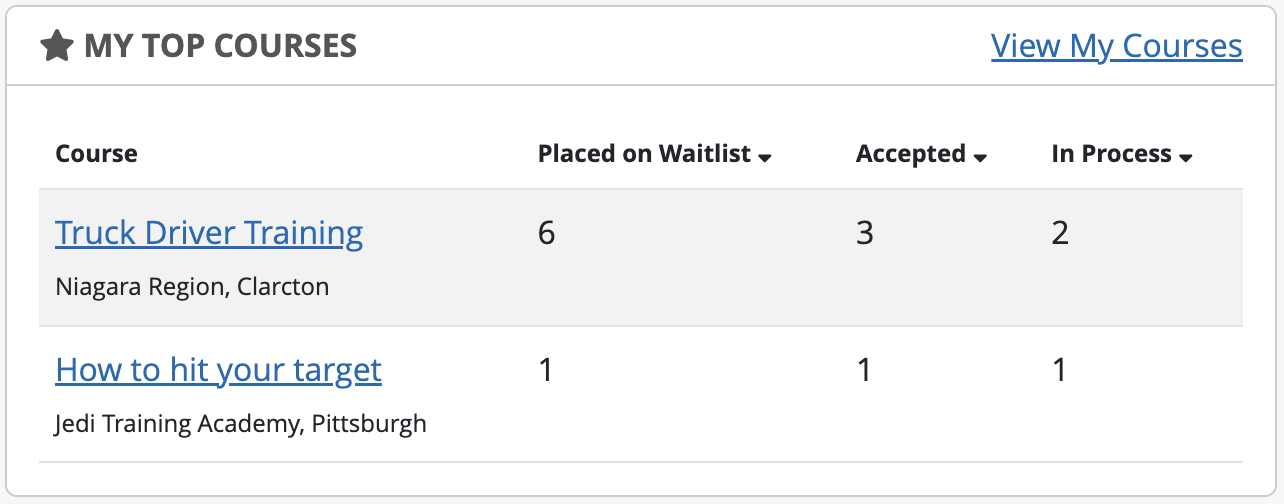
My Top Courses
Shows a chart with the active courses user manages and number of clients in the system with a specific training course status.